Free courses on Claude and Excel for finance work.
Practical courses for people who work in numbers. Each one takes a finance task you repeat and shows you how to do it with Claude, and how to check what comes back. You download the method, the ready built templates, the exact instructions to give the AI, and a finished example to compare your work against. Most cost an email address. Handing Finance Work to Claude runs on the page, with no email needed.
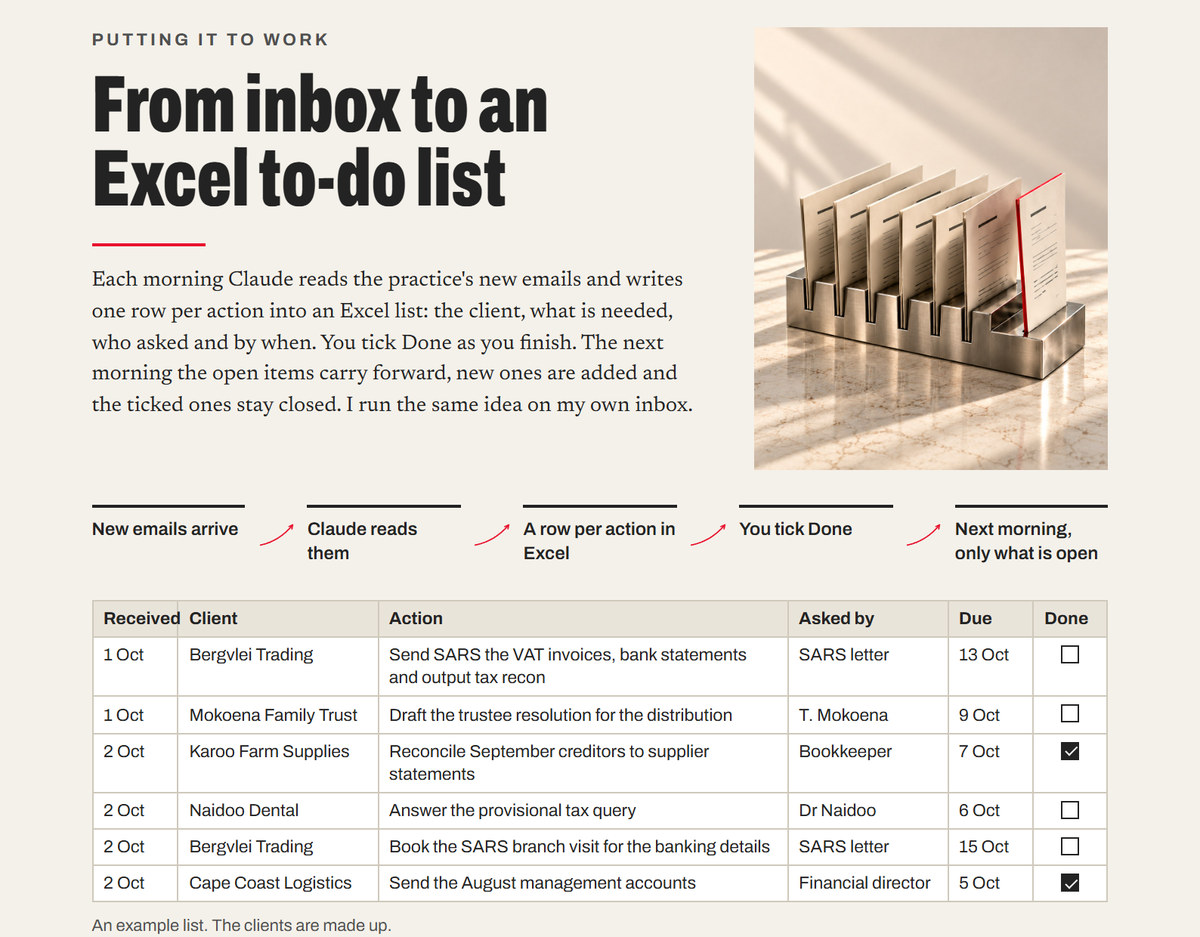
A short course that takes an accountant from first steps with Claude to an Excel to do list Claude keeps from the inbox every morning: what each client needs, who asked and by when. It covers what an AI model is, which Claude model to use and when, the desktop app and Office, keeping client information safe and how to ask so the answer is useful. You download the whole introduction as one file, the ready built workbook, the instructions to paste and the test emails to try them on. The whole course takes about thirty minutes.
Financial modelling with Claude · Level: Beginner ·
How to Use Claude and Excel to Build Financial Models
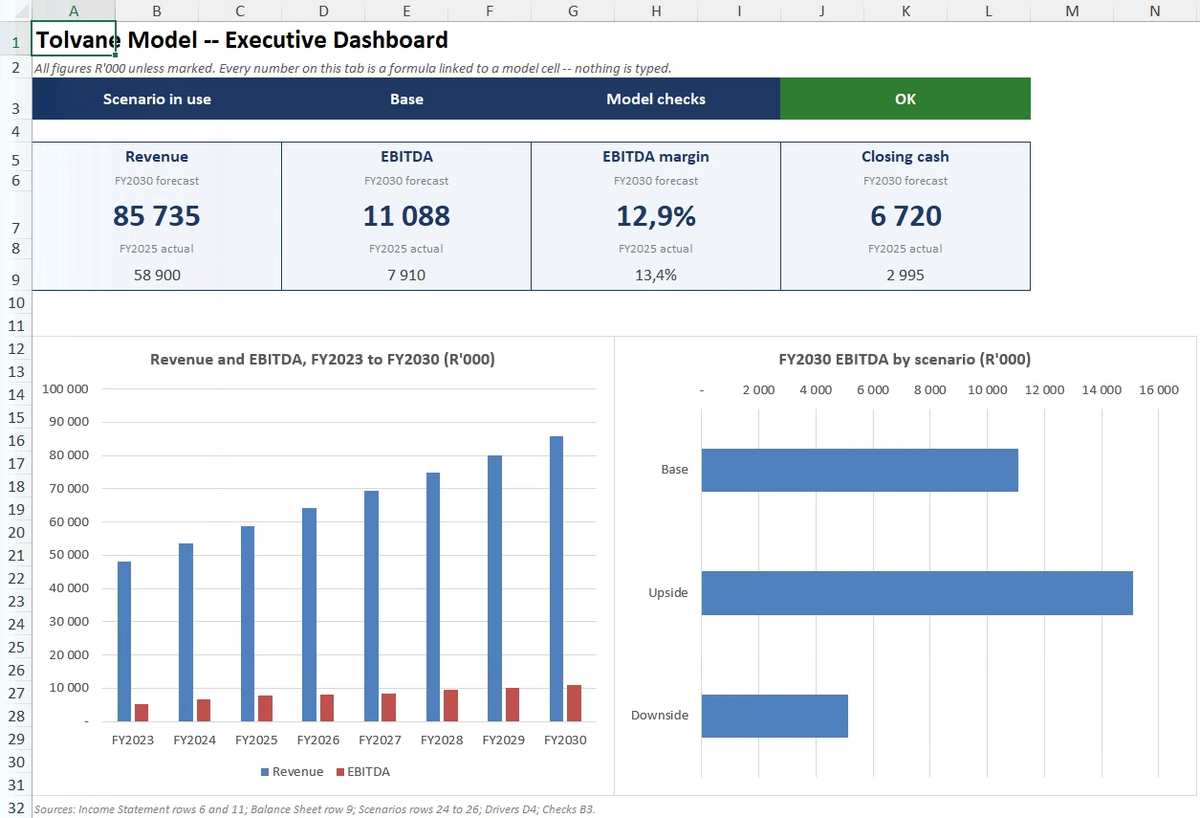
A short course that teaches you to build a five year financial model with Claude, check and fix it in Excel with Claude for Excel, and finish with a dashboard where every number links back to the model. You download the course guide and the working files: the input file for an invented packaging company, a practice model with faults planted for you to find, the finished model to compare against, and the prompts ready to paste. Claude does the building. You set the assumptions, approve every change and sign off.
For FP&A analysts and accountants who build their own models in Excel.
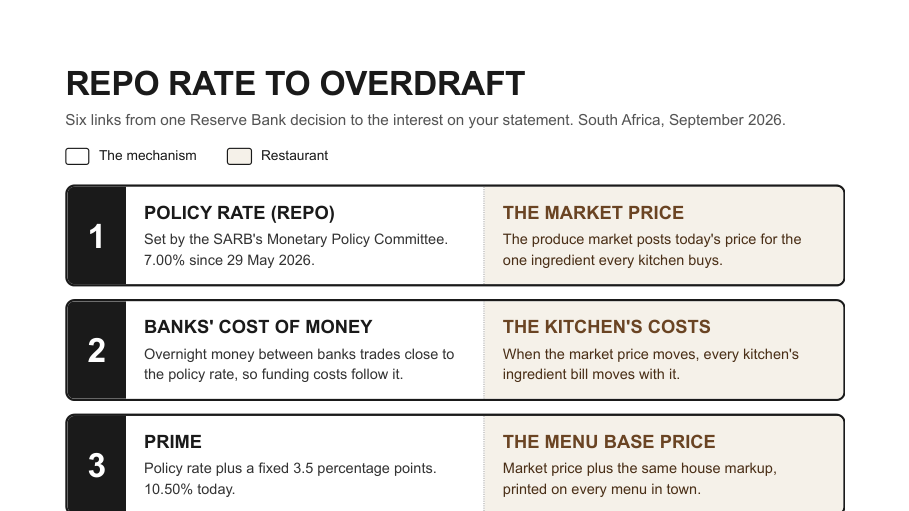
A short course that hands you a working skill for explaining any concept visually, and teaches you to build skills like it. The Visual Explainer asks you the questions that matter before it builds, cites only sources it has actually opened, and delivers A4 pages checked for format before you see them. You download a pack of working files: a step by step guide, the finished skill with the scripts that check its pages, the same skill for claude.ai, the exact briefs to give Claude, a sign off checklist, and finished examples to compare against. In the recorded run a checked, sourced explainer came back about twenty five minutes after the first question, and every fact on it could be traced to its source.
For finance people who explain concepts to boards, clients and teams.
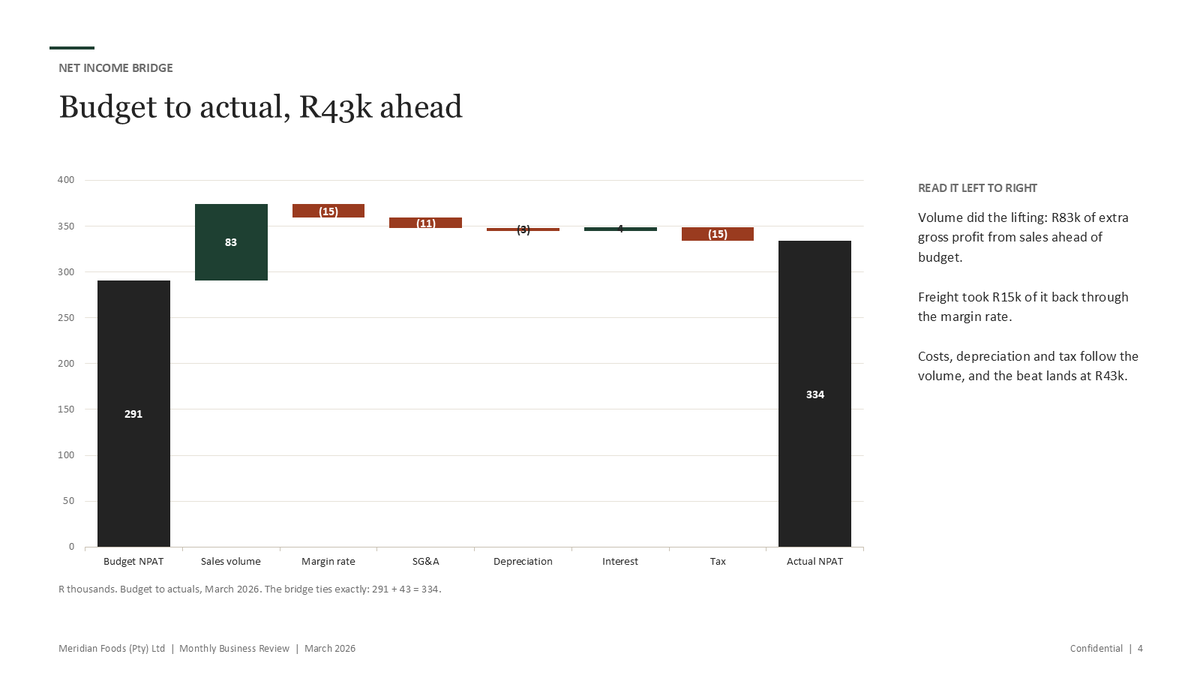
A short course that teaches you to turn your monthly Excel numbers into a professional board presentation with Claude. You download a pack of working files: a step by step guide, ready built Excel templates, the exact instruction to give Claude, a sign off checklist, and a finished example presentation to compare against. The first run takes about two hours. By the third month the whole job takes about thirty five minutes.
For owners who present their own numbers to a board or a bank.
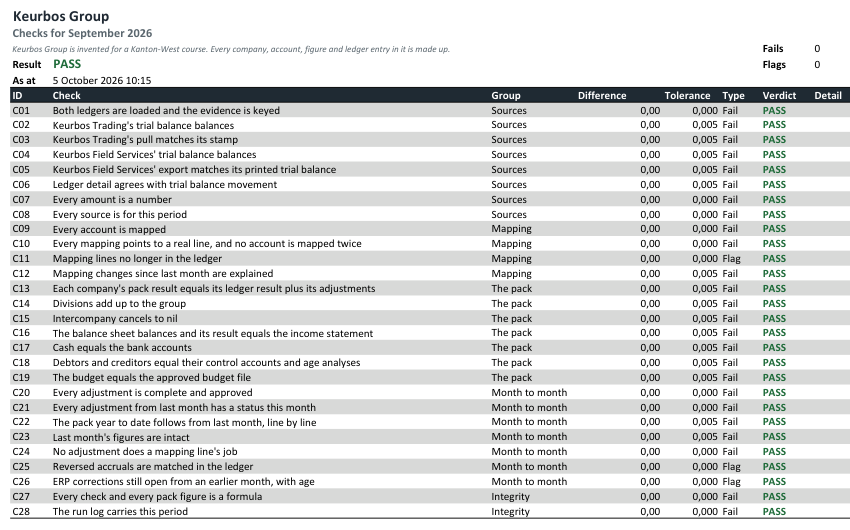
A short course that teaches you to have Claude for Excel build the reconciliations into your monthly management pack, so every figure traces back to the ledger it came from, and keeps tracing after every change you make. You download a pack of working files: a step by step guide, an invented group's ledgers for August, September and October, a blank pack layout, the skill that runs each month, the exact briefs to give Claude, a sign off checklist, and finished workbooks to compare against. The workbook is built once, then checked and signed every month.
For financial managers who build the monthly pack from more than one ledger.
Handing Finance Work to Claude · Level: Beginner · Runs on the page
Hand Claude a piece of work, not a question
A short course that runs on the page, with nothing to download but a practice folder. It teaches you to hand Claude a piece of finance work: choose the working folder, set what Claude may reach and when it must ask, decide which work to hand over, and write a brief it can act on. You practise on the month end folder of an invented wholesaler and finish by checking the variance memo Claude writes, figure by figure.
For anyone who uses Claude for answers and wants it to do the work.
Build and Launch Your Website with Claude Code · Level: Advanced · Guide on the page
Build a business website with Claude Code, and put it live
A free guide on the page, with a PDF to keep. It takes you through building a business website with Claude Code and putting it live: the plan, the design, accessibility, phones and speed, hosting and the domain, the search setup, and the loop for every change after launch. Each step gives you a prompt to copy, the checks to make before moving on, and the mistake that caught a real build.
For anyone comfortable with a command line, hosting and DNS who wants Claude Code to do the building.