KANTON-WEST

AI training

Claude and Copilot training for finance professionals and teams.

One to one training at R750 per hour, standard and customized courses for finance teams of up to 15 people at your offices or on Microsoft Teams or Google Meet, and five free courses to work through on your own.

Individuals

Training for individuals.

Any level

One to one training

Bring a report, a recurring task or an idea. We work on it together, check the result, and you learn how to do it again on your own.

  • Remote or at your desk
  • By the hour, scope agreed before the session

R750 per hour

What you leave with

You leave with the work done, and with the instructions and checks to do it again yourself.

What you can build

  • A personal daily brief from your emails, diary items and the replies you owe
  • A report ready for the meeting, from Excel to a dashboard or board pack
  • Research you can trace, with sources and stated gaps
  • Content that shows what you offer
  • A website or a useful little tool
  • A method you do not have to retype: a reusable skill or command

Starting points for a session, not a promise to cover everything in one sitting.
Beginner

AI basics session

For when you are new to AI. We set up Claude or Copilot for the way you work and use it on an everyday task together. You do not need a project to start.

  • Remote or at your desk
  • By the hour

R750 per hour

What it covers
  • Finding your way around Claude and choosing a suitable model and settings for the task
  • Moving between chat, Cowork and Claude Code as the work requires
  • Setting up projects, useful instructions and prompts for your own work
  • Connecting approved email and files, including OneDrive or Google Drive where available
  • Working with Excel, Word and presentations, using supported integrations
  • Using connectors, plugins, skills and slash commands without giving away unnecessary access
  • Setting up scheduled tasks, reusable design styles and a practical review routine

Finance teams

Training for finance teams.

Standard course · beginner

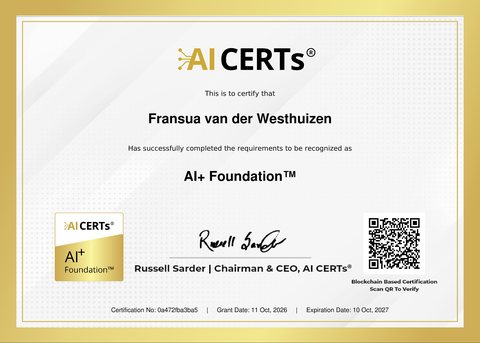
AI Fundamentals with a Finance Focus

No technical background needed. What AI is and why its answers can be wrong, keeping client data safe under POPIA, writing a complete prompt for finance work, and your first finance tasks with the AI already in Copilot, Sage or Xero.

  • Full day · up to 15 people
  • At your offices, or on Microsoft Teams or Google Meet

R8 500 per team

What the day covers

Sessions

What AI is · Using AI safely · Using AI in practice · AI in finance · Next steps

You leave able to

  • Explain the difference between AI, machine learning and deep learning in plain words
  • Tell generative AI apart from predictive AI, pick the right one for a job, and explain why its answers can be wrong
  • Tell an AI agent apart from a chatbot or a copilot
  • Know what may and may not go into a free tool, remove client details first, and know what prompt injection is
  • Spot scams made with AI and aimed at staff, such as deepfake voice notes, fake invoices and phishing, and know where AI helps catch fraud
  • Keep a human review step, own the final answer and spot where skewed data can bias it
  • Write a complete prompt: role, context, data, the format you want and an example
  • Ask AI to explain a variance, a ratio or a trend in your own numbers
  • Check an AI answer against its source and your own numbers, and note who checked it
  • Know what AI is already in Copilot, Sage or Xero, and use it to write a formula or clean a column in Excel
  • Pick one task in your own work to try AI on first
  • Know which tasks go, which roles appear, and how to stay useful

Standard course · intermediate to advanced

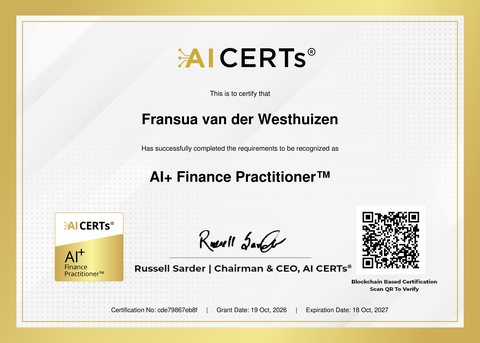
AI Finance Practitioner

A full day on finance work: analysis in Excel, month end reconciliations, budgets and forecasts, board packs, and checks for fraud and errors. The team ends by writing up one place to use AI in your business, with its risks and controls, ready to put to management.

AI Fundamentals with a Finance Focus is an advantage, not a requirement.

  • Full day · up to 15 people
  • At your offices, or on Microsoft Teams or Google Meet

R12 500 per team

What the day covers

Sessions

Working with AI · Analysis and reporting · Risk and control · Making it work in your team

You leave able to

  • Build reusable prompt templates with worked examples for recurring finance tasks
  • Clean and check data before using AI, and practise on invented data, not client data
  • Give the AI your own policies, IFRS notes and SARS guidance to work from, and check the passage it cites
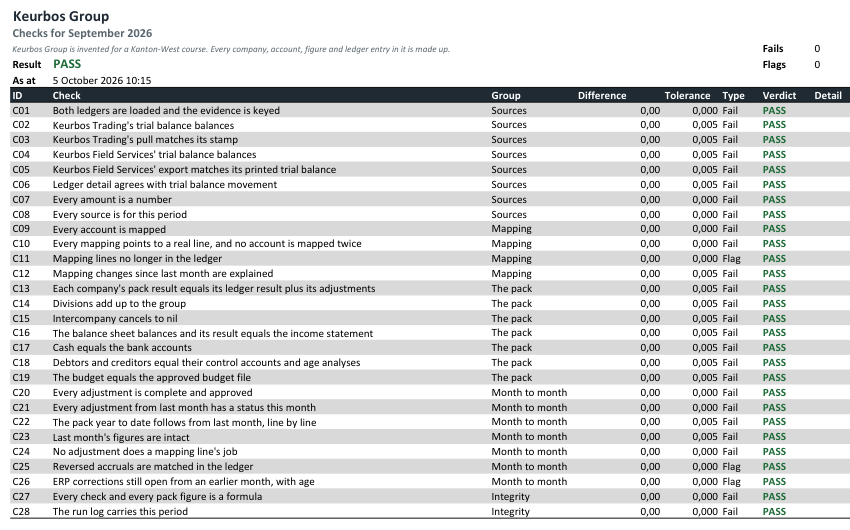
  • Use AI to prepare reconciliations and flag the items that do not match
  • Draft a budget, build cash flow scenarios and run sensitivity tests with AI
  • Tie totals to the trial balance, demand sources, catch invented numbers
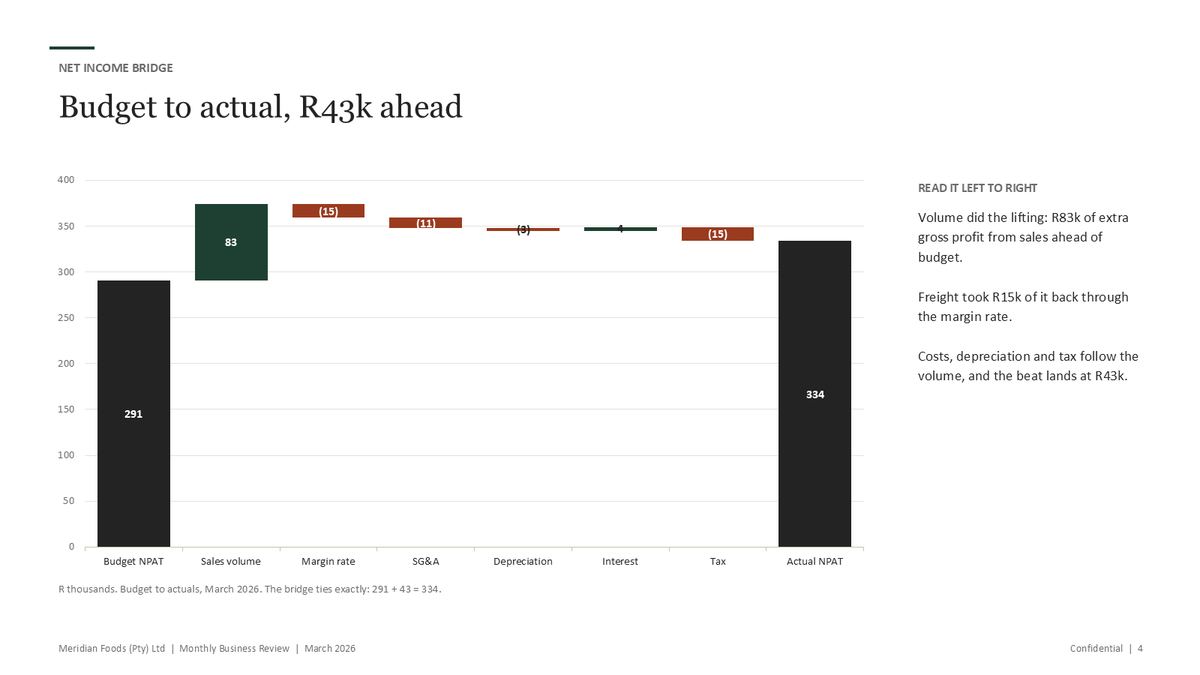
  • Turn a variance table into commentary and charts management can read at a glance, then into emails and slides
  • Flag duplicate payments, odd journals and changed bank details
  • Draft a risk and control matrix for your AI use, test the controls and keep the evidence
  • Write the rules on tools, data, review and logging
  • Put a use case, its risks, controls and return on one page for the MD or board, and test it against a colleague's challenge

Customized course · any level

Customized team training

You tell me which applications your finance team or company uses, where the problems are and whether you work in Claude or Copilot. I fit the course to your company or department, so the team trains on the work it actually does.

  • Full day · up to 15 people
  • At your offices, or on Microsoft Teams or Google Meet

R8 500 for the day

What you send me first
  • The applications the team uses, for example Sage, Xero, Excel or your ERP
  • The problem areas, or simply that the team needs training and upskilling
  • Whether the team works in Claude or Copilot

The course content stays the same. The examples, the exercises and the ways of working are built around your systems and your month.

A third course, AI Finance Agent Specialty, is being prepared.

Free courses

Free courses to work through on your own.

Beginner · about 30 minutes

Claude and AI for Accountants

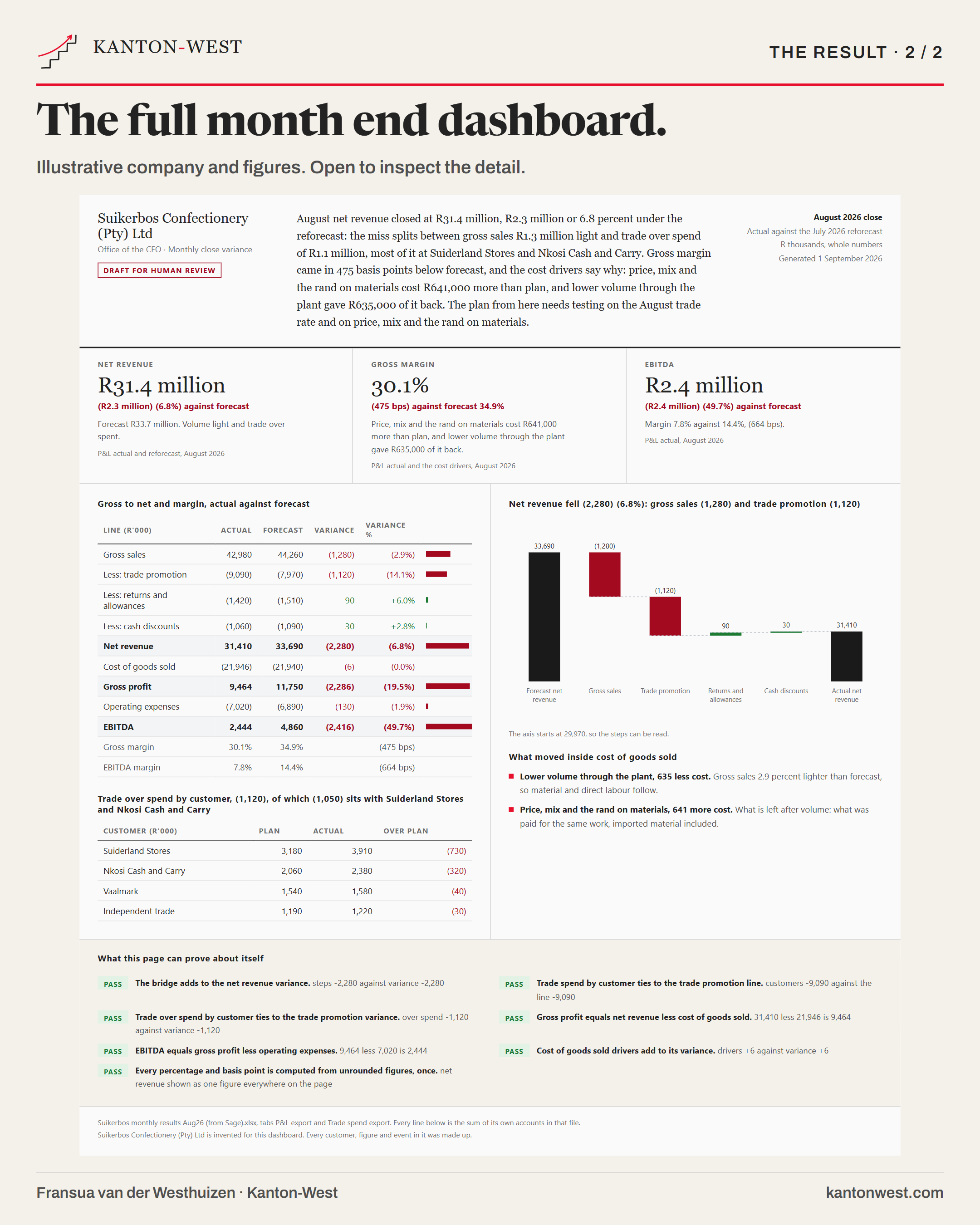
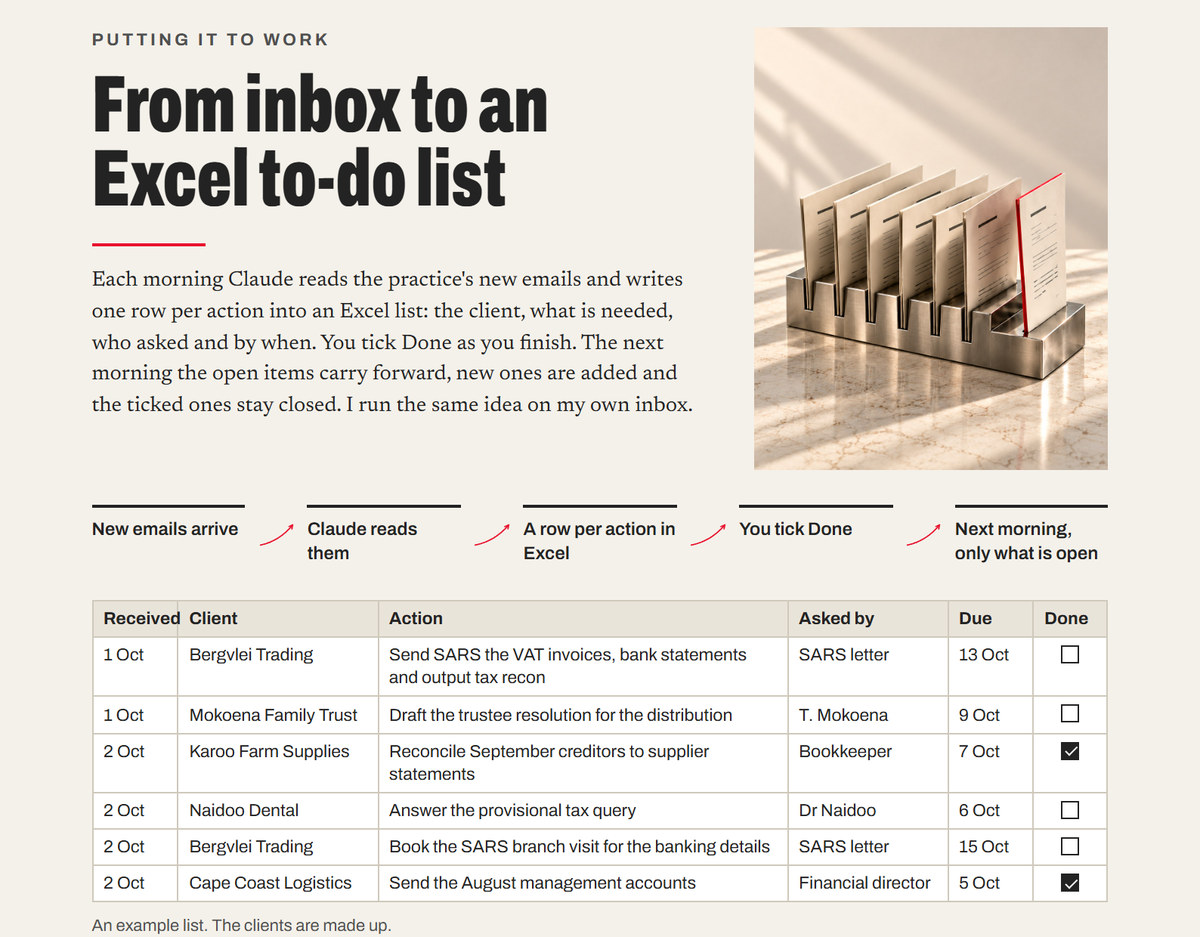
For accountants starting out with Claude: an Excel to do list Claude keeps from the inbox every morning.

FreeSent to your email address

Beginner · about 1 hour 30

How to Use Claude and Excel to Build Financial Models

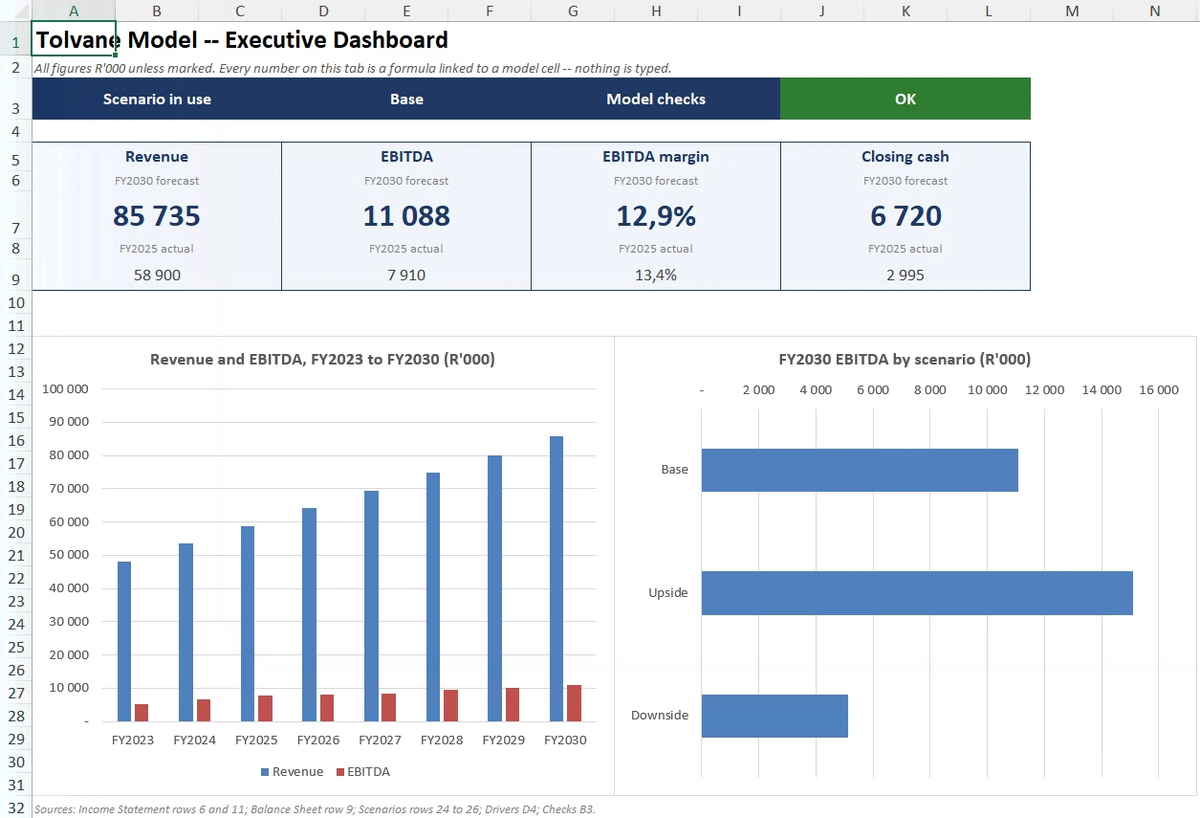
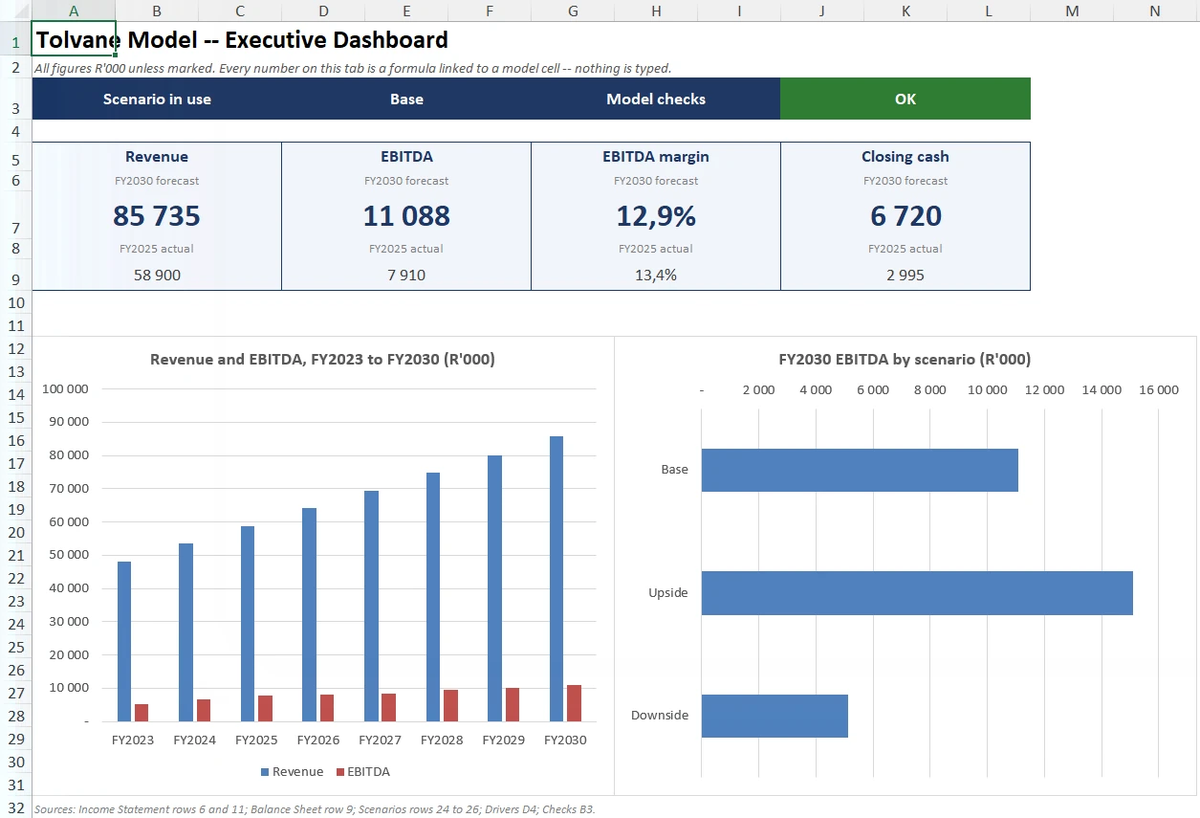
For FP&A analysts and accountants who build models in Excel: a five year model, checked, with a dashboard.

FreeSent to your email address

Beginner · about 25 minutes

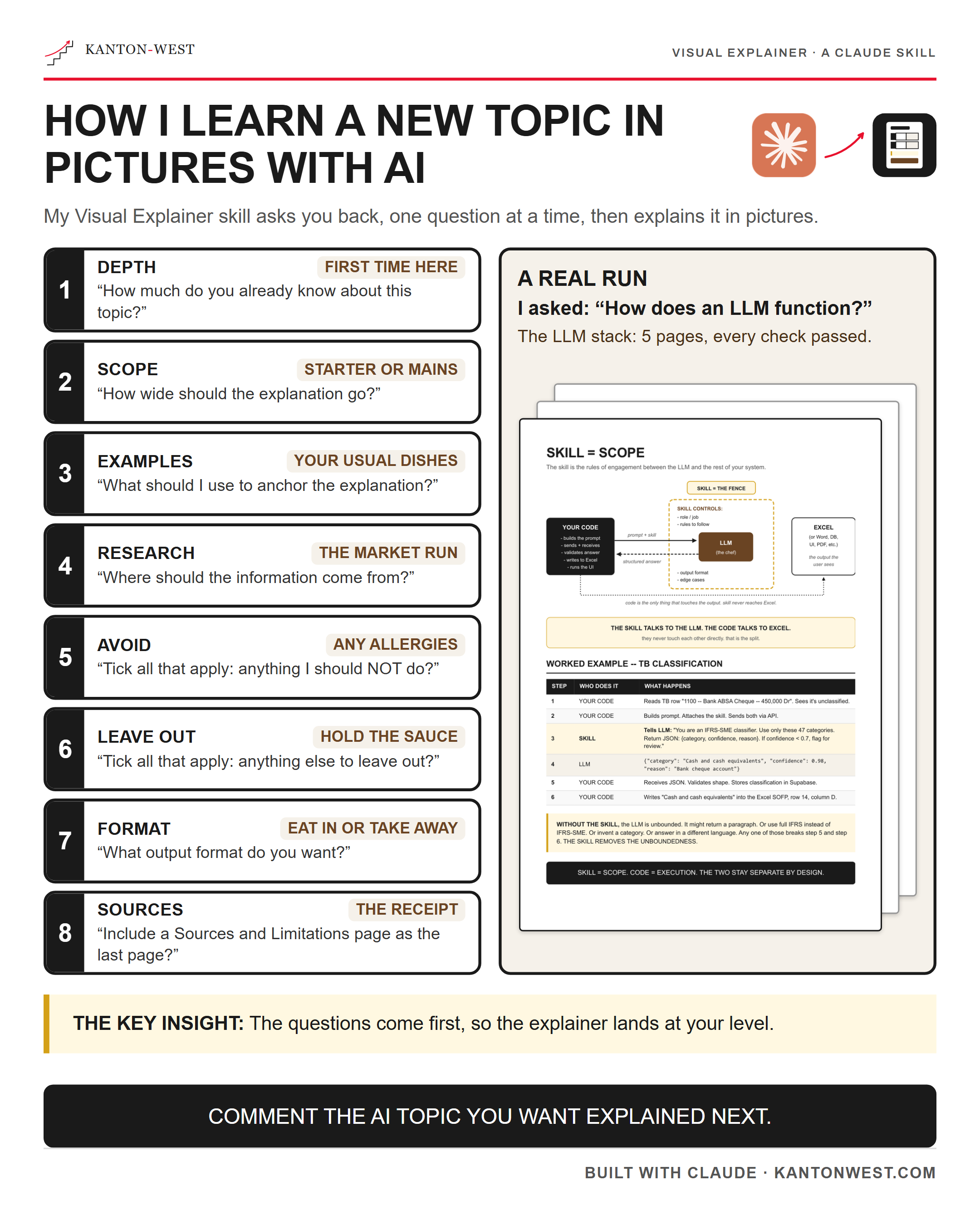
Build reusable Claude skills

For people in numbers who explain concepts to boards, clients and teams.

FreeSent to your email address

Intermediate · about 2 hours

Build board presentations with Claude

For owners who present their own numbers to a board or a bank.

FreeSent to your email address

Advanced · about 2 hours 30

Excel reconciliation with Claude

For financial managers who build the monthly pack from more than one ledger.

FreeSent to your email address

Booking

How a booking works.

Send a short brief

Which training, how many people, where to hold it and two dates that suit you. For one to one training, what you would like to work on.

I confirm the date and price

I reply within one working day with the date, the price and what you will leave with.

The training

On your own files, or the standard course material for a class. Software and hosting subscriptions are separate.

Questions

Common questions.

Do I need to know anything about AI before the training?

No. The session starts from what you actually do in a week and works backwards to the tool. If you already use it daily, the session skips the basics and goes to the two things most people never reach: getting an answer you can rely on rather than a plausible one, and building the recurring task you currently rebuild by hand every month.

Can the training run online?

Yes. One to one training runs remotely or at your desk. The team courses run at your offices, or online on Microsoft Teams or Google Meet, for up to 15 people.

Should I use Claude or Microsoft Copilot?

Use the one that sits where your work already is, and check every answer either way. Copilot lives inside Microsoft 365, so it works in your Outlook, Word, Excel and Teams without leaving them. Claude is the one I use every day and teach: it works in Excel through Claude for Excel, and connects to a work Microsoft 365 account for your mail and files.

Are software subscriptions included in the training?

No. Software and hosting subscriptions are separate. Available connections depend on your software, subscriptions and permissions. Keep sensitive information out until access and handling are agreed.

All questions →

Book

Book your training.

Tell me which training you want, how many people and two dates that suit you. I will reply within one working day to confirm the date and the price.

fransua@kantonwest.com · +27 83 480 9301 · Cape Town

Fransua van der Westhuizen, Owner and Principal of Kanton-West

Fransua van der WesthuizenOwner & Principal